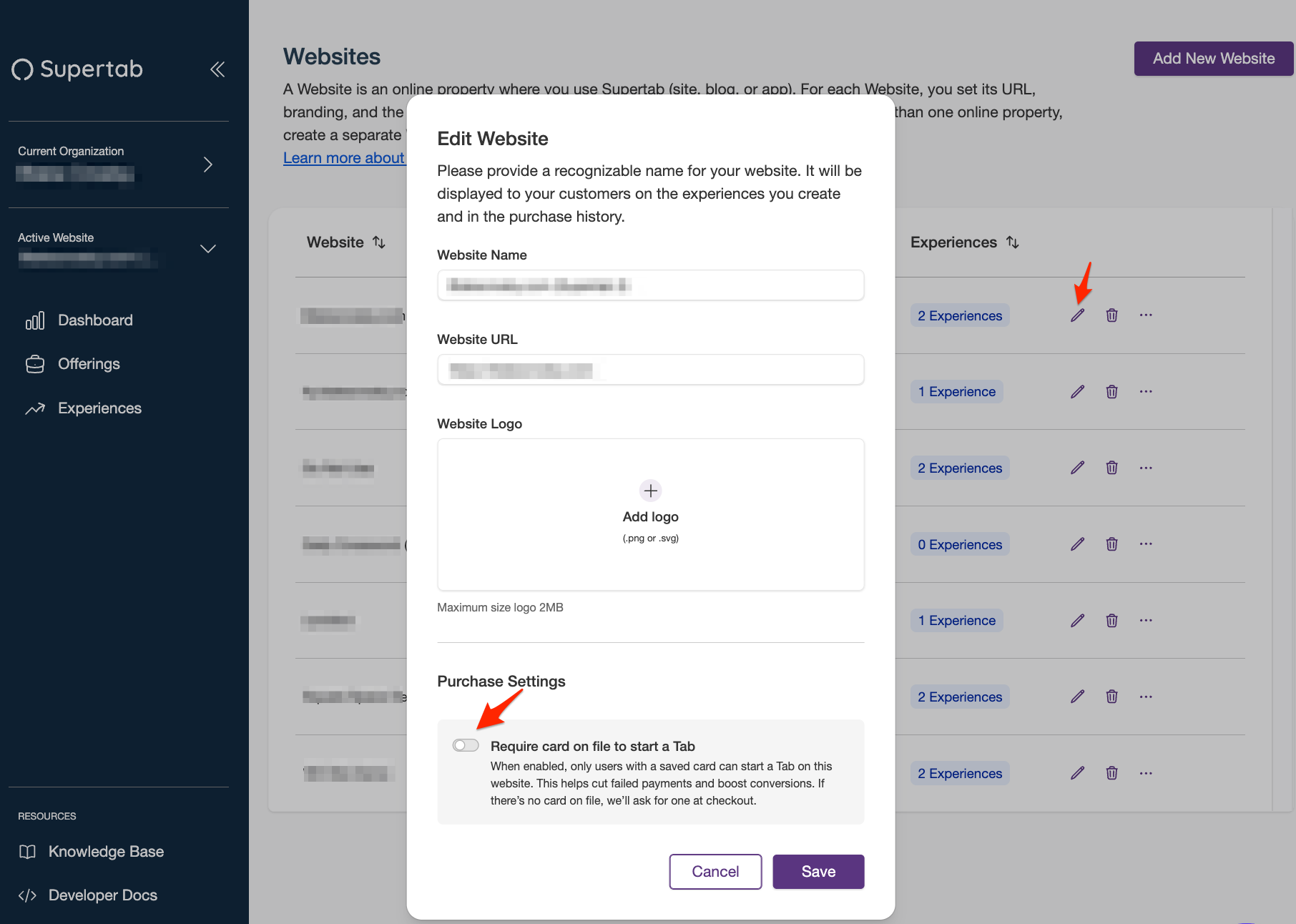
What is "Require Card on File"?
The Require Card on File option allows you to capture the users credit card before they can open a tab.
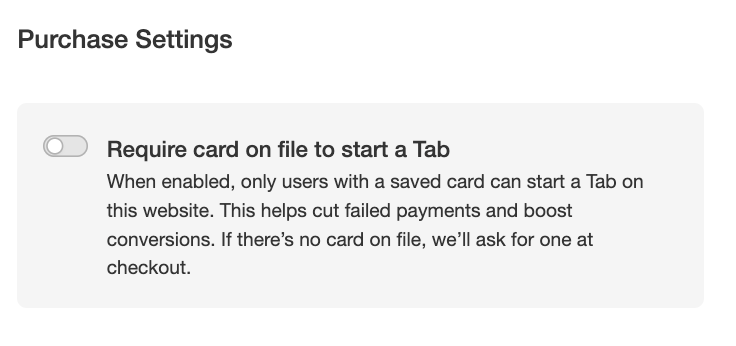
This allows you, as the merchant, to ensure that a users credit card is valid before allowing them to add an item to their tab. This helps reduce fraudulent activity as well as enables the tab auto-closing feature.
Note: You will not be able to take advantage of auto-closing tabs unless this feature is turned on for your website.
To Enable Require Card on File
- Login to the Business Portal
- Click on your organization name, then select "Websites"
- Click on the "pencil" Icon next to the Website you would like to add "card on file" to.
- Click on the toggle switch for "require card on file"
- Click "save"